CHUEM Desktop
Connect to
the internet.
Connect CHUEM Desktop to Wi-Fi for online access and systematic rehabilitation data collection.
Guide
Connectivity
Previous
Startup
Why connect?
CHUEM Desktop is recommended for use while connected to the internet so rehabilitation information can be stored systematically.
Online
Access your account and connected rehabilitation features.
Offline
The system can still support selected functions without an internet connection.
Open the
Wi-Fi menu.
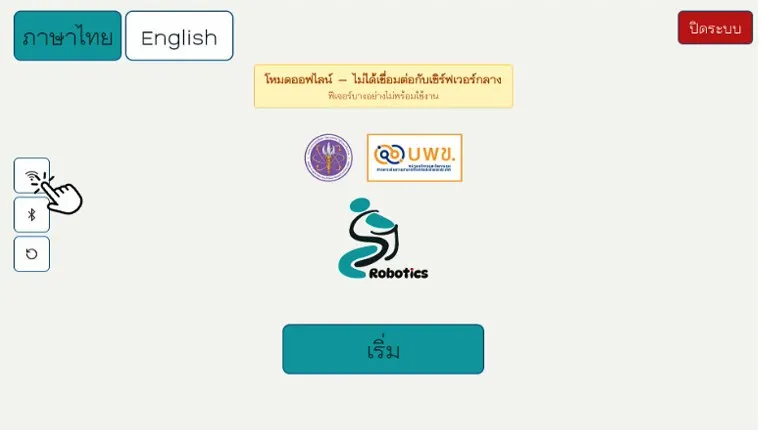
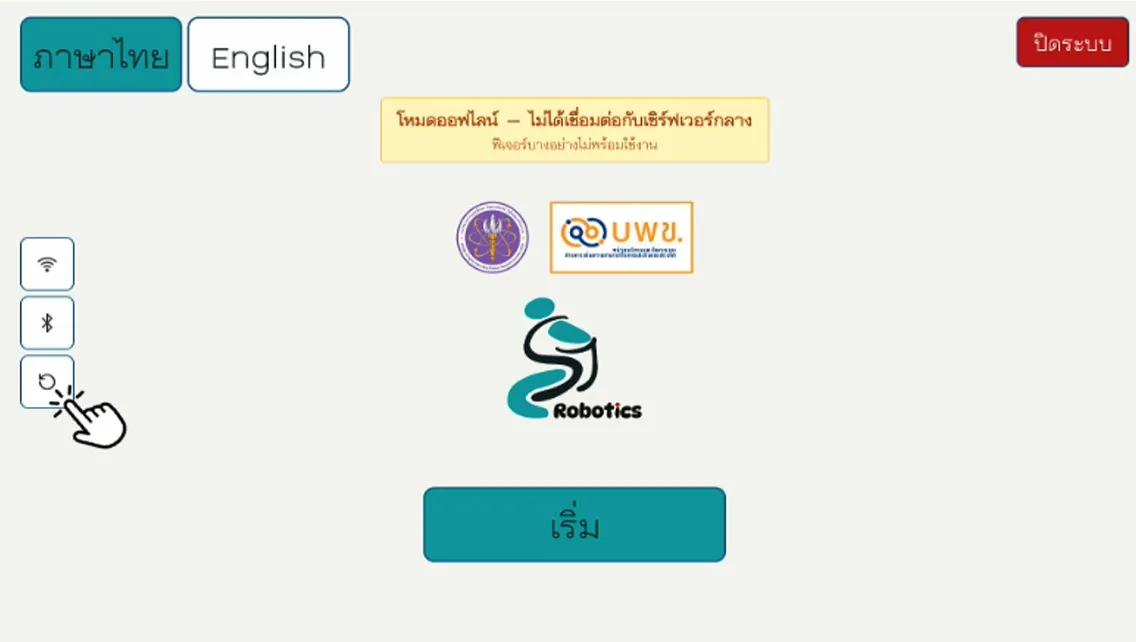
From the login screen, select the Wi-Fi icon on the left side of the interface.
Wi-Fi settings
Open the network menu from the login screen.
Choose a network
and connect.
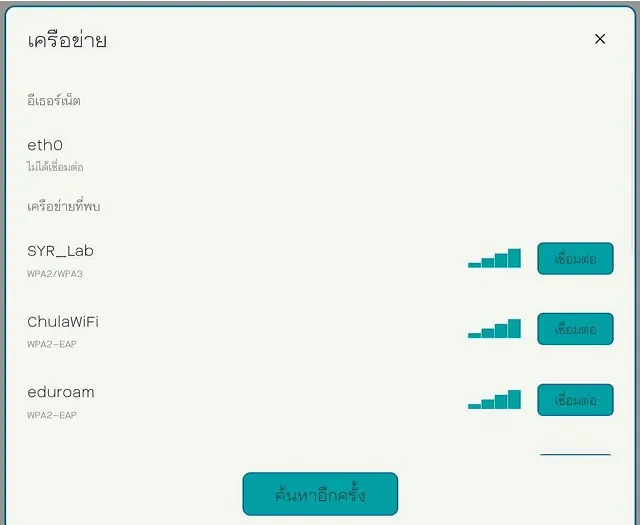
Select the Wi-Fi network you want to use and choose “Connect”.
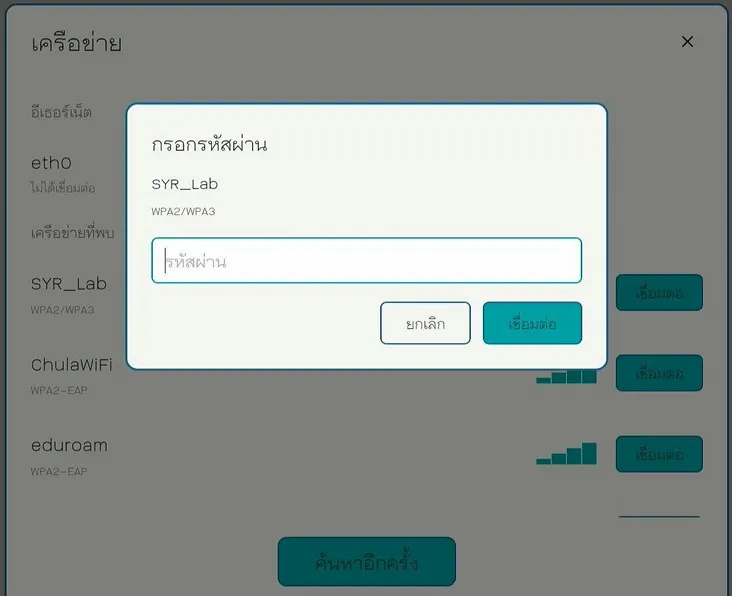
Enter the required password or complete any network login process when prompted.
Still showing Offline?
Refresh the
login screen.
If the internet connection is already active but CHUEM Desktop still displays Offline Mode, select Refresh on the login screen.
Connected
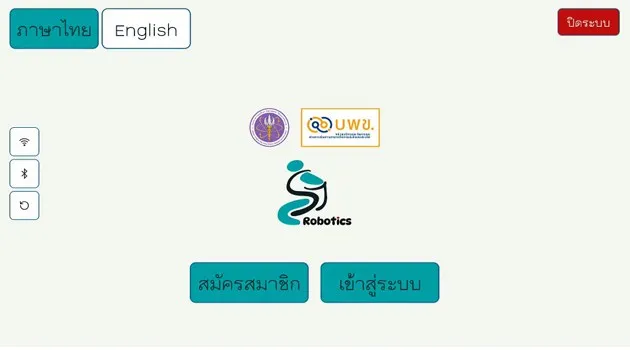
You're online when the account options appear.
A successful connection is confirmed when the login screen displays the account registration and sign-in options.