CHUEM Desktop
Account
& sign in.
Create an account for a new user or sign in to an existing one, then confirm the user's current profile information.
Guide
Account
Previous
Connectivity
Start from the login screen
Choose the option that matches the person using CHUEM Desktop.
New user
Create an account
Register a new user before starting rehabilitation.
Existing user
Sign in
Continue with an existing username and password.
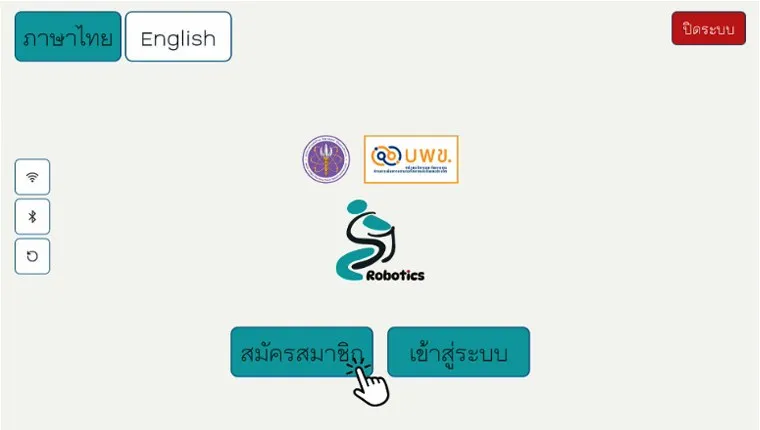
Login screen
Create a new account or sign in to an existing one.
New user
Create a
new account.
Select “Register” from the login screen and complete the required information.
Remember your login details
Keep the account username and password available for future sessions.
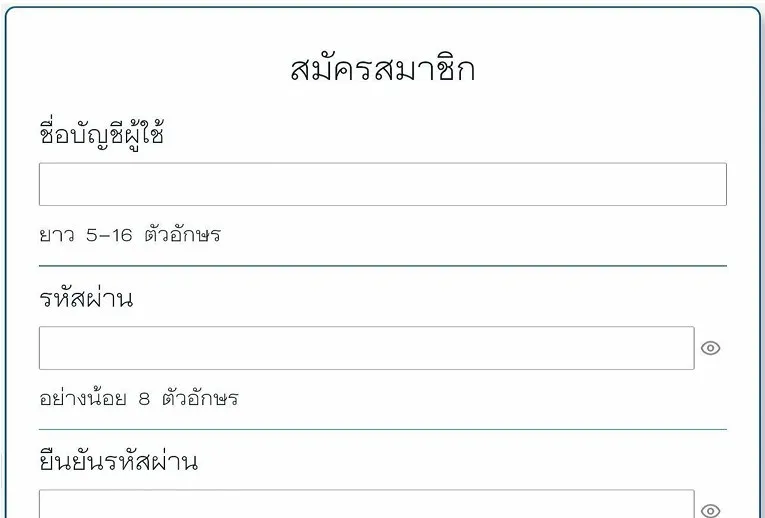
Complete the required information
Fill in all required registration fields before continuing.
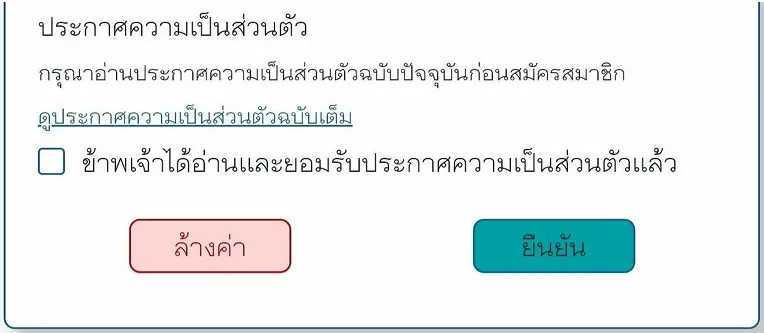
Review the Privacy Notice.
Accept the Privacy Notice and select “Confirm” to finish account registration.
Existing user
Sign in to
your account.
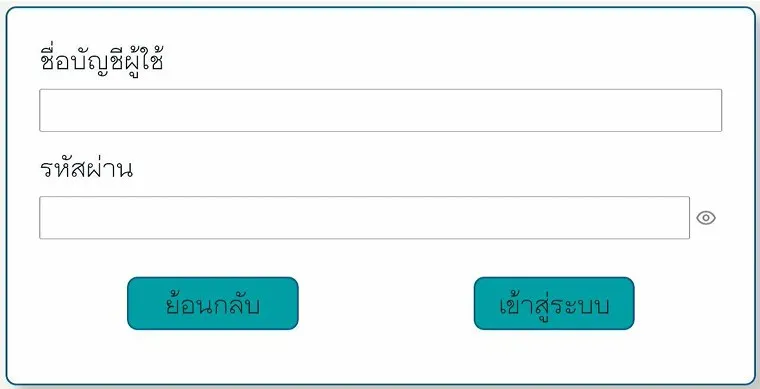
Select “Sign in”, enter the account username and password, then continue.
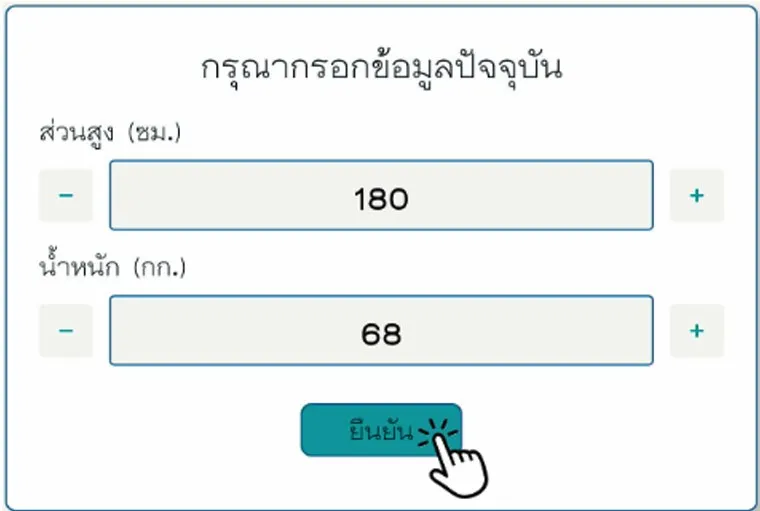
Check the user's current information.
Before continuing, review the displayed height and weight and update them when necessary.
Use the user's current information before confirming.