
CHUEM Desktop
Use
Offline Mode.
Continue selected rehabilitation activities when an internet connection is unavailable.
Guide
Offline Mode
Previous
Account
No internet?
You can still continue.
When CHUEM Desktop cannot connect to the internet, the login screen will indicate that the system is in Offline Mode.
Online use is still recommended for systematic data collection.
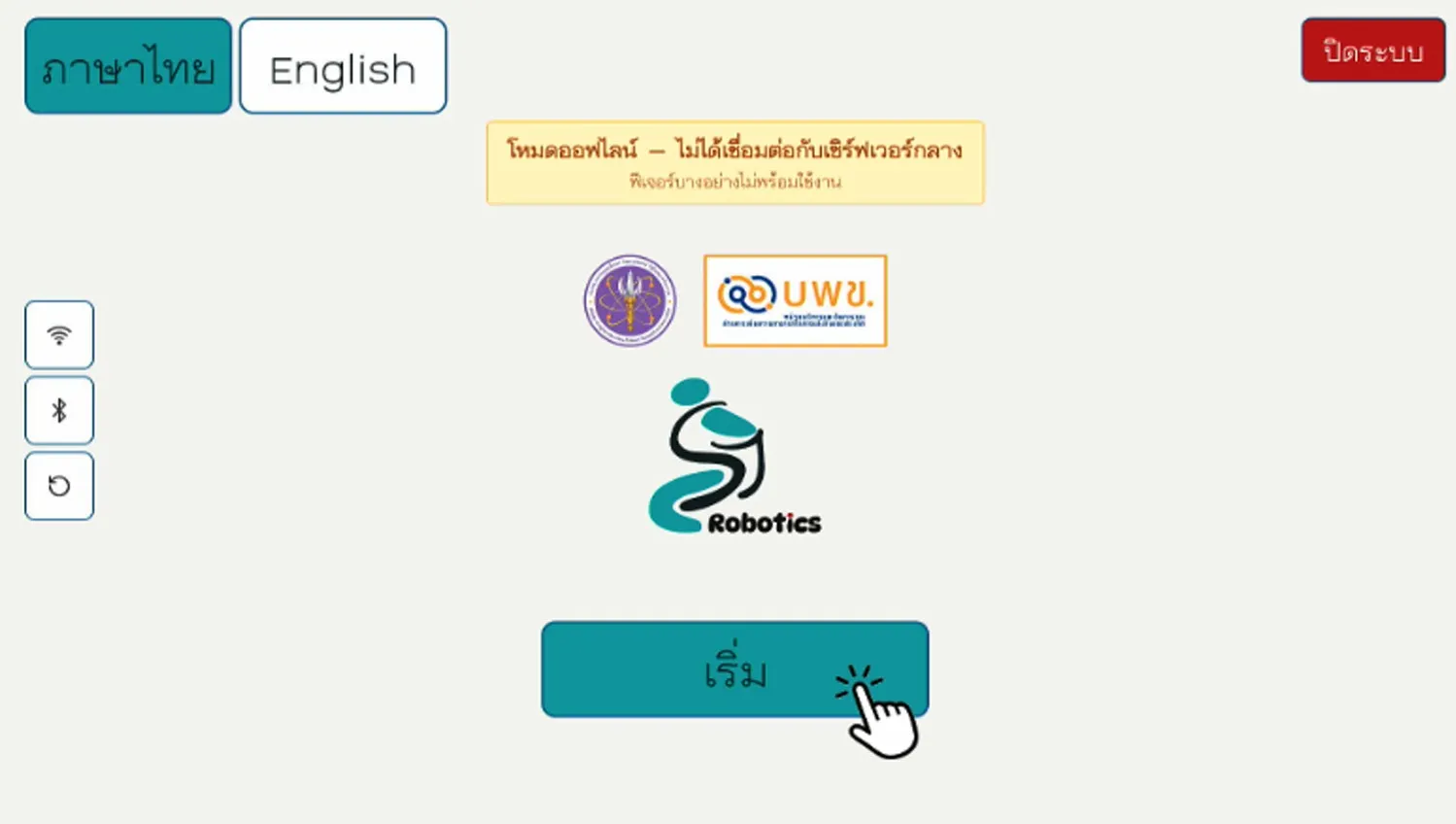
What works offline?
Some rehabilitation functions remain available, while features that depend on connected data are limited.
Rehabilitation games
Games remain available while using Offline Mode.
Progress data
User game-progress information cannot be stored while offline.
Strength Assessment
Strength Assessment cannot be used while the system is offline.
Start an
offline session.
Select “Start” from the login screen to continue without signing in.
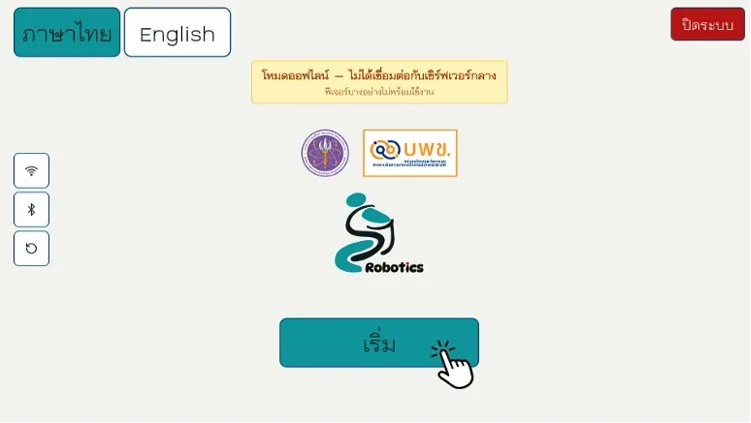
Select Start
Continue directly from the Offline Mode login screen.
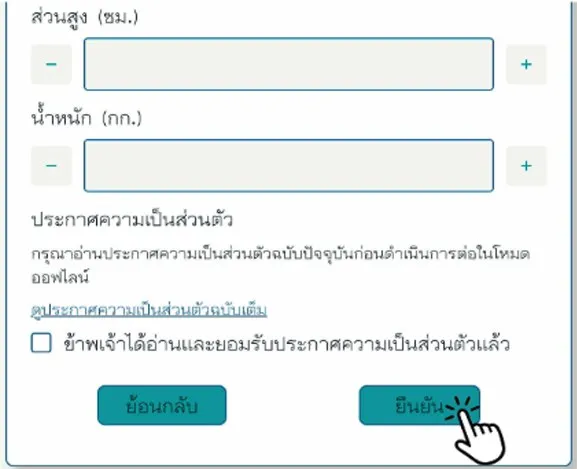
Enter basic information
Complete the required user information, then select “Confirm”.