
CHUEM Desktop
Troubleshooting.
Find quick solutions for common CHUEM Desktop issues and safely return the system to operation.
Guide
Troubleshooting
Previous
Emergency Stop
Controller error
The robot controller
stopped unexpectedly.
If an internal controller error occurs, the system will stop operation and display an error message.
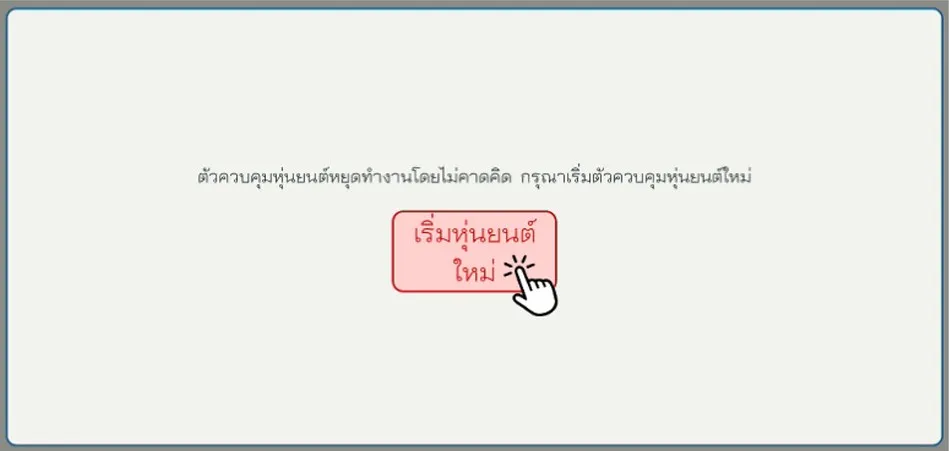
Select “Restart Robot”.
The system will begin the positioning process again, similar to the sequence used during startup.
Follow the same workspace-clearance and positioning safety precautions used during normal startup.
Keyboard
Change the
keyboard language.
Use the keyboard shortcut to switch between available input languages.
Keyboard shortcut
Press both keys at the same time to change the keyboard language.
Still having trouble?
If the issue cannot be resolved using the guidance above, restart the system completely.
Turn off the main switch
Switch off the power at the rear of the electrical control unit.
Wait 1 minute
Leave the system powered off before restarting.
Turn CHUEM Desktop back on
Start the system again using the normal startup procedure.
Need more help?
Contact support.
If the issue continues after restarting the system, contact the support team for further assistance.
LINE ID
joey-p